
Create Look & Find Worksheets for Kids
Choose a theme, worksheet density, and layout. KidColorAI plans the target list first, then renders a clean black-and-white activity page for printing.
Age range
Difficulty
Orientation
Scene mode
Your worksheet will appear here
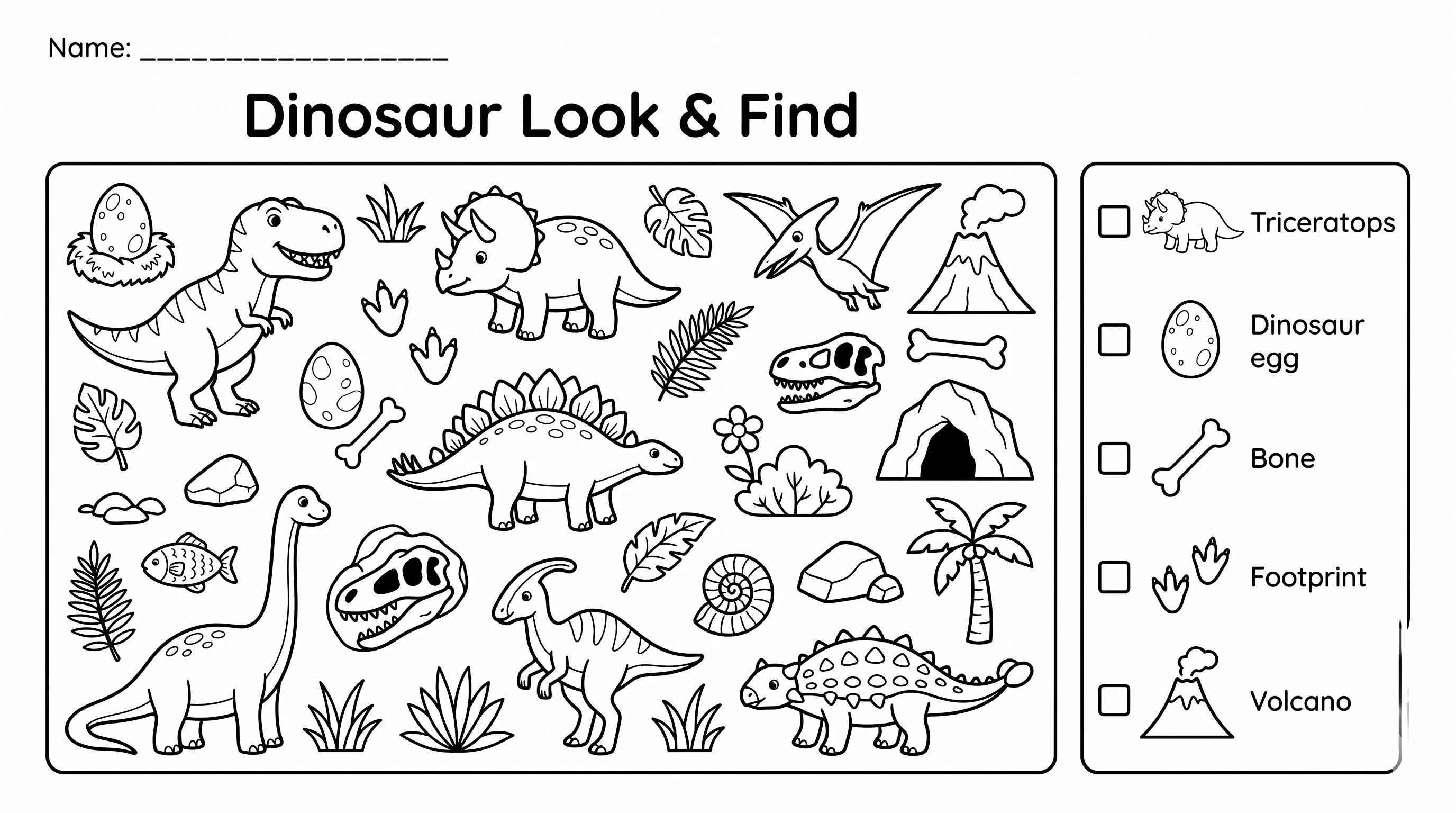
Choose a theme and create a worksheet. We will show the generated Look & Find page here, with download and print options after it finishes.
Plan
targets first
Render
line art only
Use
print and color
Plan before image generation
The tool first creates a structured plan with the theme, scene objects, checklist targets, and layout style.
Render as printable line art
The image step asks for one black-and-white worksheet page with clear outlines, white background, and no shading.
Review before classroom use
Generated worksheets should be checked by an adult to confirm each target is visible and the page matches the child's age level.
Settings guide
Choose settings that match the child
Look & Find worksheets work best when the page is busy enough to feel like a puzzle but still clear enough for the child to recognize each checklist item. If a generated page feels too crowded, lower the difficulty or switch to collage mode.
Ages 3-5
Use Easy, fewer visible objects, and collage mode for cleaner recognition.
Ages 6-8
Medium difficulty with about 30 objects and 5 targets is a good first worksheet.
Ages 9-10
Hard mode can add more targets, but review the result for clutter before printing.
Before you print
Open the generated image and confirm the checklist targets are visible, the title is spelled correctly, and the object density fits the child or classroom group. Download PNG for image reuse, PDF for direct printing, or use Print from the result panel.