
Create Trace and Color Worksheets for Kids
Choose a subject, age range, and tracing style. KidColorAI creates a printable A4 page with pale gray guide lines for drawing practice and coloring.
Last reviewed June 4, 2026. The tool uses AI image generation, so review each worksheet for age fit, line visibility, and text accuracy before printing.
Age range
Difficulty
Line style
Gray intensity
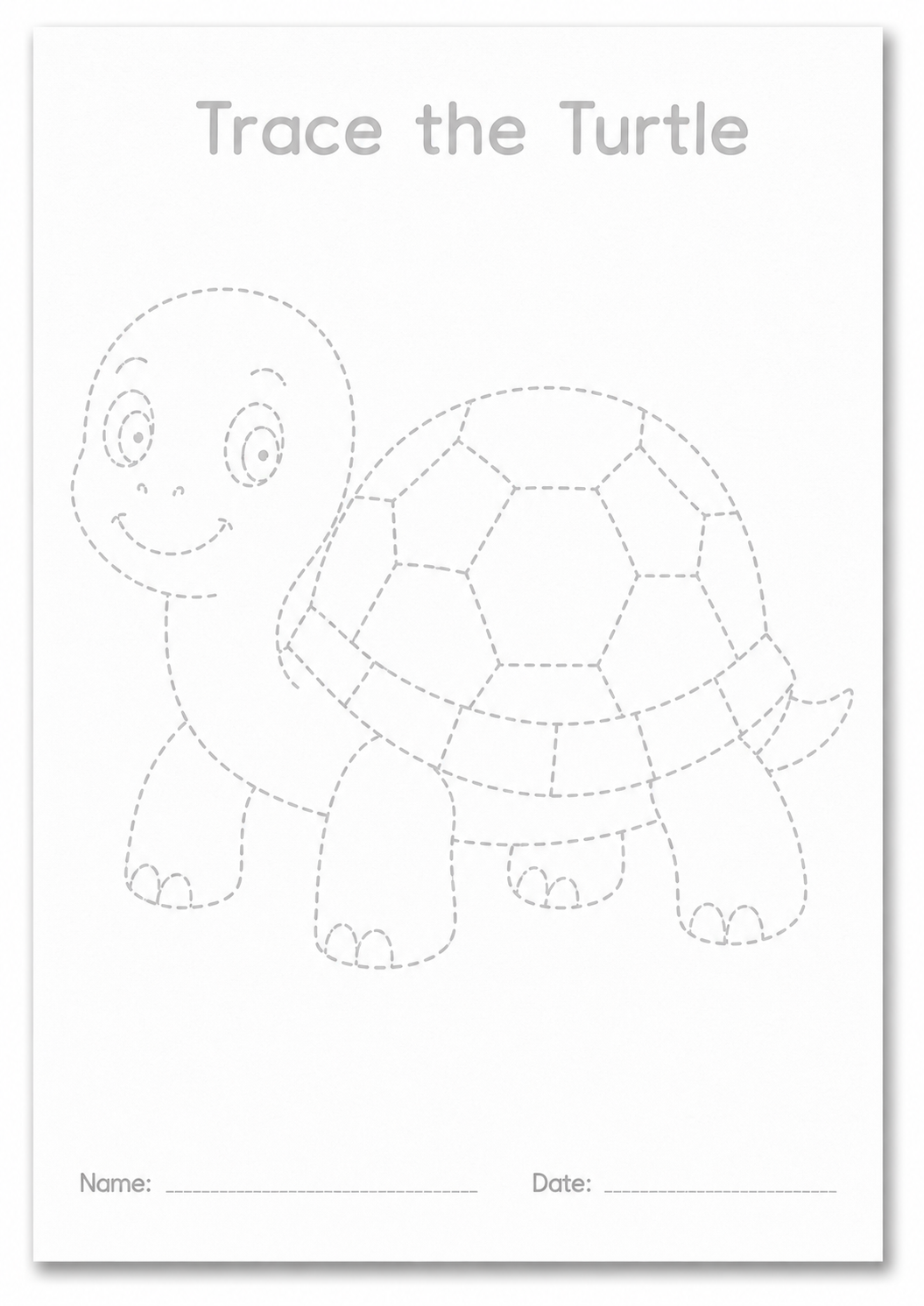
Light-gray tracing guide
The generated page appears here with pale lines kids can trace, draw over, and color.
1. Choose the worksheet settings
Subject, category, age range, difficulty, line style, and gray intensity shape the generated worksheet prompt.
2. Generate one print-ready page
The image model creates an A4 portrait worksheet with one centered subject and pale guide lines for tracing.
3. Review before printing
Check line visibility, title text, name/date lines, and age fit before downloading or printing the result.
Settings guide
Choose line settings for the child and printer
Trace and Color worksheets work best when the outline is visible enough to follow but light enough for a child's pencil or marker to stand out.
Ages 3-5
Use Simple or Easy, solid lines, and darker gray if the printer output looks too faint.
Ages 6-8
Easy with Standard Gray is a good first worksheet for most drawing practice.
Ages 9-12
Medium or Detailed can add more internal sections while keeping the page traceable.
Access and review notes
What happens after you click create
The generator turns your settings into a prompt, sends it to the image model, uploads the result, and records the worksheet in your activity history.
Before you print
Check that the gray lines are visible, the drawing is age-appropriate, and any optional title or name line is correct. Download PNG for image reuse, PDF for direct printing, or use Print from the result panel.